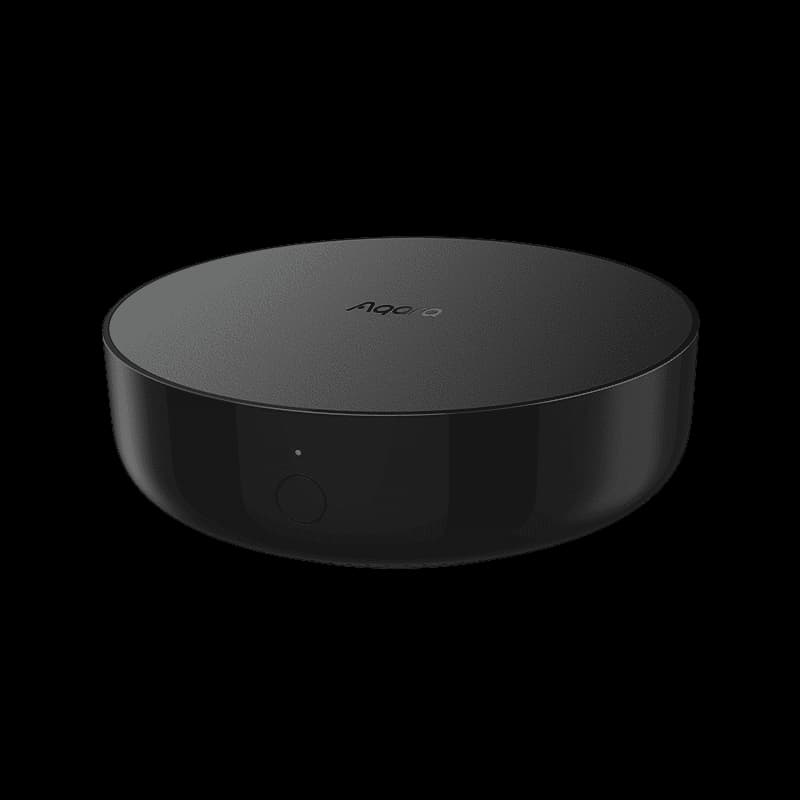
$49.99 – $59.99
Zigbee smart home hub with built-in IR blaster, HomeKit support, and Matter bridge functionality.
You want an affordable entry to smart home
At $60, one of the most affordable HomeKit-compatible hubs with support for up to 128 devices
You need reliable local control
Automations run locally and continue working when internet is down - strong offline-first design
You want to control IR devices like AC and TV
Built-in IR blaster can control any device with an infrared receiver - unique among hubs at this price
You are building an Aqara-only HomeKit smart home
Native HomeKit, Alexa, and Google support with affordable Aqara sensors and devices
You want to use third-party Zigbee devices
Only works with Aqara Zigbee devices - cannot pair other brands like Hue or Ikea sensors
You plan to expand with Matter or Thread devices
No Matter or Thread support - consider Aqara Hub M3 if you want future-proof protocols
You only have 5GHz WiFi network
Requires 2.4GHz WiFi exclusively - must disable 5GHz during setup on dual-band routers
You want IR control through HomeKit
IR blaster only works in Aqara Home app - IR devices cannot be controlled via HomeKit or Siri
Hub randomly disconnects and shows "not responding" in Home app after working fine for months
Aqara ForumWiFi signal can interfere with Zigbee communications even when hub is connected via Ethernet
HomeKit NewsCrowded 2.4GHz WiFi channels cause connectivity issues - switching to channel 11 helps stability
Aqara ForumAlexa skill only works for US users, but hub may not be available on US server in Aqara app - causing pairing issues
Customer reviewsOnly works with Aqara Zigbee devices - closed ecosystem
widespreadCause: Intentional design decision by Aqara to lock users into their ecosystem
Weak built-in speaker for alarm sounds
commonCause: Small speaker hardware unable to produce loud alarm tones - biggest hardware complaint
No power adapter included in box
widespreadCause: Cost-saving decision - users must provide their own USB power adapter
IR control not exposed to HomeKit
commonCause: HomeKit limitation - IR devices can only be controlled through Aqara Home app, not Siri
Attempting setup on 5GHz WiFi network
Hub will not connect - setup fails completely
Tip: Disable 5GHz network on dual-band router before setup, or ensure phone is connected to 2.4GHz network.
Placing hub too close or too far from router
Signal interference (too close) or weak connection (too far) causing disconnects
Tip: Position hub 2-6 meters from router with line of sight. Avoid placing near metal objects or in cabinets.
Not setting static IP address for hub
DHCP lease changes break HomeKit sync and Aqara cloud connection
Tip: Create a DHCP reservation (static IP) for the Hub M2 in your router settings.
Remote access when away from home, app updates, cloud-to-cloud integrations, initial setup registration
All local automations continue to work. Zigbee device control works locally. HomeKit control works via local network.
Collects device settings, alarm data, sub-device lists, hub configuration. Uses SSL encryption. Does not sell data to third parties.
Data stored on regional servers with international transfers for processing. Strong local-first design keeps automation data on home network when possible.
Tested with up to 128 devices
Supports up to 128 Aqara Zigbee child devices with repeater devices (Smart Plug, Wall Switch). IR devices not counted in limit. Zigbee 3.0 mesh network extends range through powered devices.
Only pairs with Aqara-brand Zigbee devices. No third-party Zigbee support. No Matter or Thread protocol support. IR control limited to Aqara app only.
Aqara Hub M3
If: Need Matter and Thread support
Samsung SmartThings Hub
If: Want to use third-party Zigbee devices
Apple HomePod Mini
If: Need Thread border router for HomeKit
You are starting with Aqara sensors and HomeKit
Best value entry point for Aqara ecosystem with native HomeKit support and affordable sensors
You already have Zigbee devices from other brands
Cannot use existing Zigbee devices - Hub M2 only works with Aqara brand products
You want to control AC and TV with smart home
Built-in IR blaster is rare at this price point and works well for legacy IR devices
You want a future-proof hub for Matter devices
No Matter or Thread support - spend extra for M3 if you want modern protocol compatibility
M2 is fine for basic Zigbee-only Aqara setups with IR control. Choose M3 ($130 vs $60) if you want Matter/Thread support, cross-brand compatibility, or plan to expand beyond Aqara devices.
Source: Multiple reviewsUp to 128 Aqara Zigbee child devices. Repeater devices like Smart Plugs and Wall Switches help extend this capacity. IR devices do not count against this limit.
Source: AqaraNo. The IR blaster only works through the Aqara Home app. IR-controlled devices like TVs and air conditioners cannot be controlled via HomeKit, Siri, or other platforms.
Source: TechHiveYes, for local control. Automations continue to work offline, and HomeKit control works via local network. Remote access and cloud features require internet.
Source: Aqara FAQNo. The Hub M2 only works with Aqara-brand Zigbee devices. It will not pair with devices from other manufacturers like Philips Hue, IKEA, or generic Zigbee sensors.
Source: Aqara